What clipping actually is
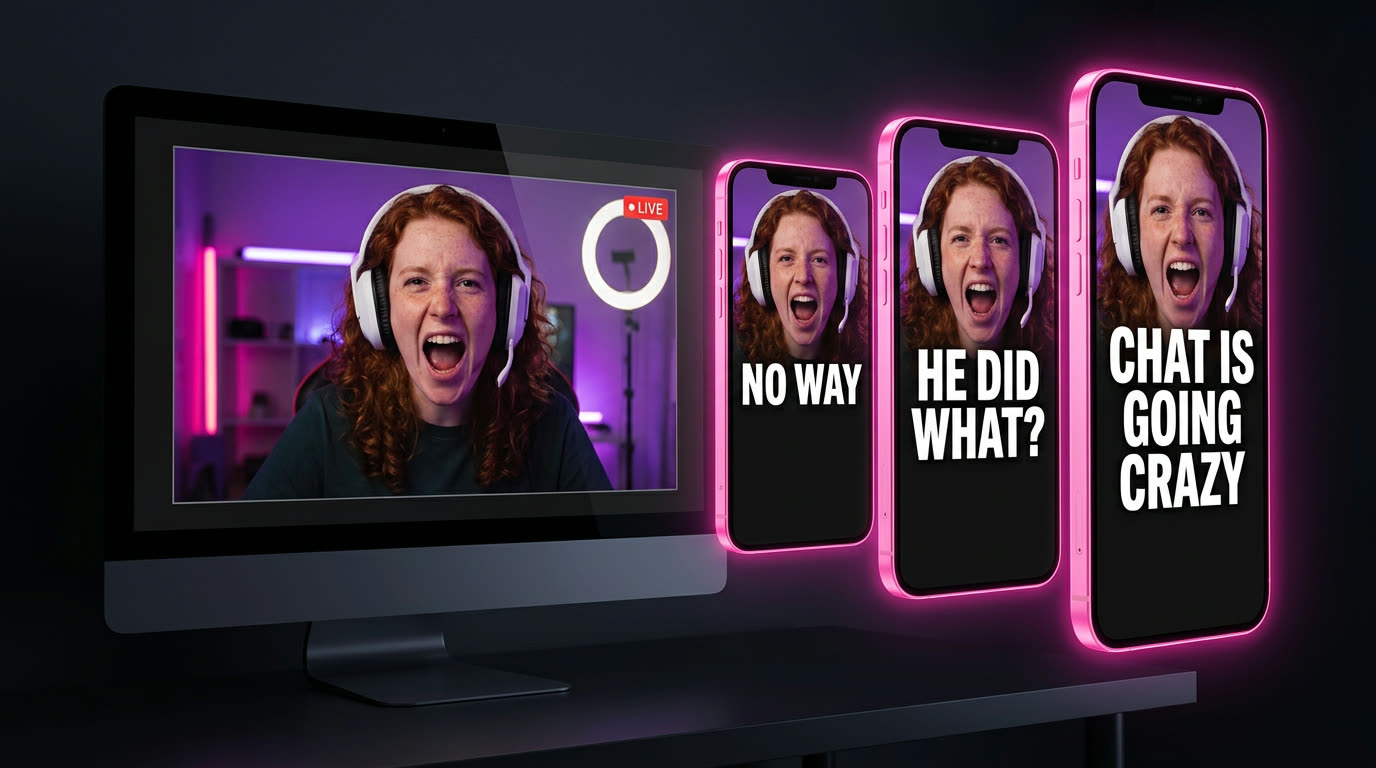
Every long video has a few moments people would send to a friend. A two-hour stream might have three. Clippers find those moments, cut them to vertical, add captions, and post them on YouTube Shorts, Reels and TikTok.
That used to mean scrubbing through hours of footage and editing every clip by hand. Now you can hand the long video to AI and get the cuts back, which leaves you free for the part that decides whether anyone watches: picking the moment and the first line.
What you need
- A browser. A laptop is easiest.
- A link to a long video. YouTube links work.
- OpenArt, at openart.ai/try.
- An account to post on: YouTube Shorts, Instagram Reels or TikTok.
No editing app. Captions and cuts happen inside OpenArt.
Step 1
Pick a video worth clipping
A clip can only be as good as the moment inside it. Look for:
- Big personalities who say surprising things: streamers like IShowSpeed and Kai Cenat, plus podcasts, interviews and reactions.
- Moments that work in 30 seconds with no backstory. If it needs five minutes of context, skip it.
- Fresh uploads. Last night's stream beats last year's.
- Big events. When something huge is happening, like a major game launch (GTA 6), a championship or an award show, everyone is streaming and searching for the best moments at the same time.

To grab the link on YouTube, tap Share → Copy link.
Clip creators who want to be clipped. Lots of streamers and podcasts invite clippers or run their own clipping programs. Stick with those, credit them in your caption, and skip anyone who has asked people not to clip them.
Step 2
Paste the link into OpenArt
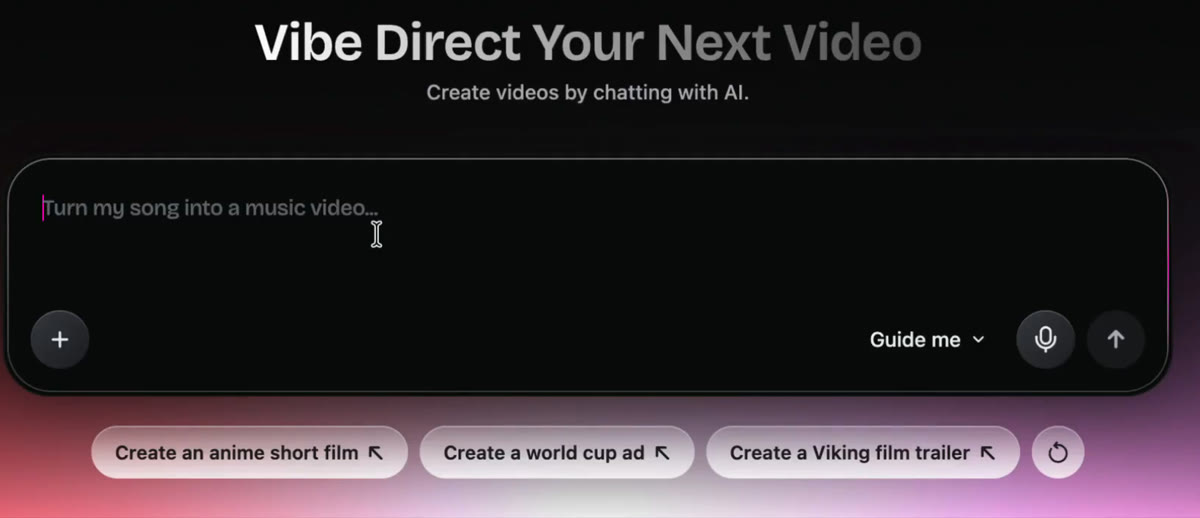
Open openart.ai/try. You'll land on a chat box that says "Vibe Direct Your Next Video." That's where everything happens. Paste your video link into the box.
Step 3
Ask for your clips
Right after the link, in the same message, tell it what you want. Start simple:
Once you know what you like, get specific. The more you say, the closer the first try gets:
Step 4
Fix the hook before you post
People decide in the first second or two. Watch each clip and ask one question: would a stranger stop scrolling on the first line?
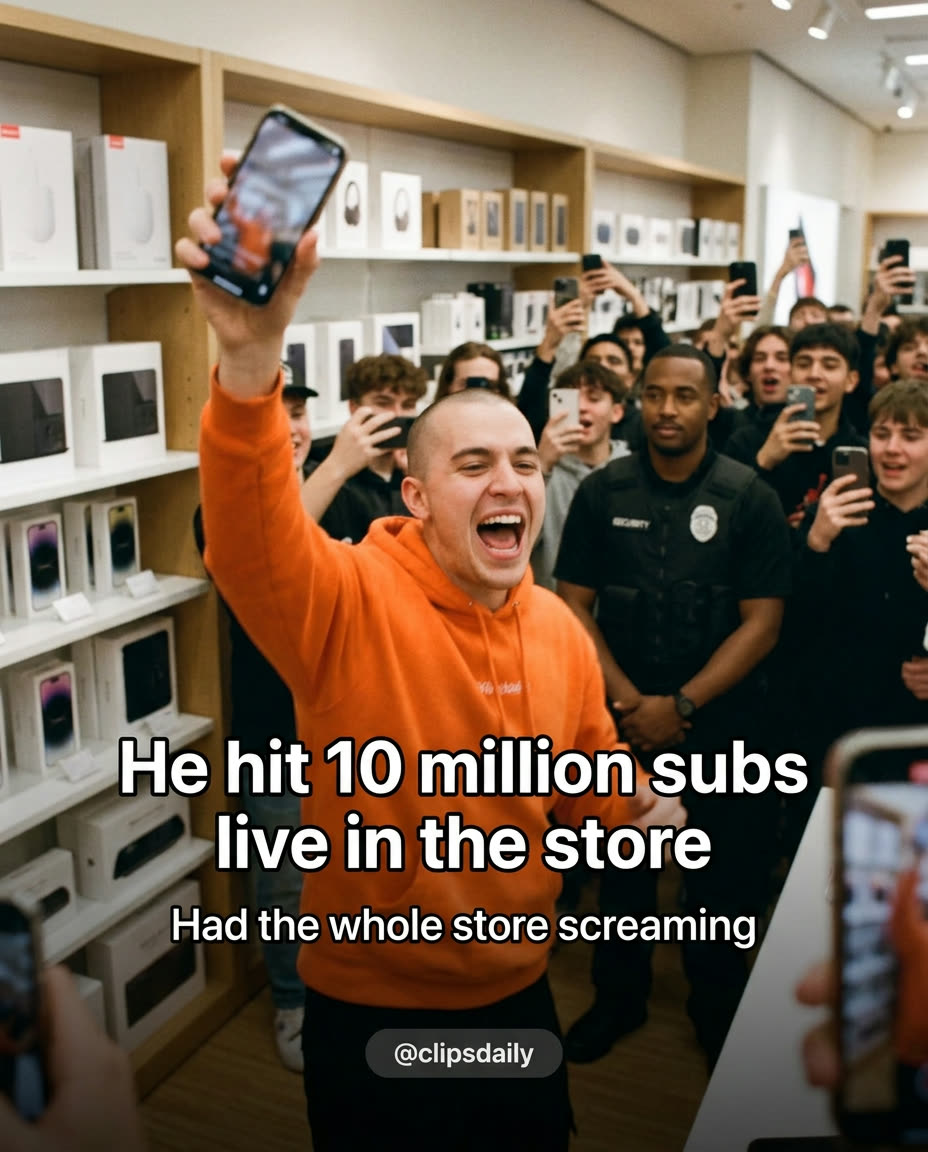
If a clip starts slow, ask for a change in the same chat:
- Clip 2: start right on the question and cut the lead-in.
- Make clip 1 shorter, under 20 seconds.
- Make the captions bigger and put them in the middle of the screen.
- Give me 3 more clips from a different part of the video.
Post one clip, not three. Lead with the strongest one and save the others for the next few days.
Step 5
Post it, then post again
- Put the hook on screen as text, or make it the first line of your caption.
- Credit the original creator in the caption.
- Post to one platform, then cross-post the same clip to the others.
- Post every day. One clip tells you nothing. Thirty clips tell you what works.
- Check which first lines kept people watching, and clip more moments like those.
Where clipping can take you
The clipping itself barely changes as you get better. What changes is who you're doing it for.
Clip for views
Some creators and brands run clipping campaigns that pay based on the views your clips get. You pick a campaign, clip their videos and post on your own accounts.
Clip for one creator
Once a few of your clips have done well, show them to a creator and offer to clip their videos every week.
Make your own originals
Clipping teaches you what hooks people. Put that to work on original videos, like AI explainers, for your own channel or for a business.
No shortcuts here. What you earn, if anything, depends on the program, your views and your work. Nothing on this page is a promise of income.
Common problems
I get an error when I paste my link.
Do I need editing skills?
The clips start too slow.
Can I clip any video?
Where should I post?

Ready to cut your first clip?
Paste a link, ask for three clips, and post the one with the best first line.
Start clipping at openart.ai/try → New accounts get free credits