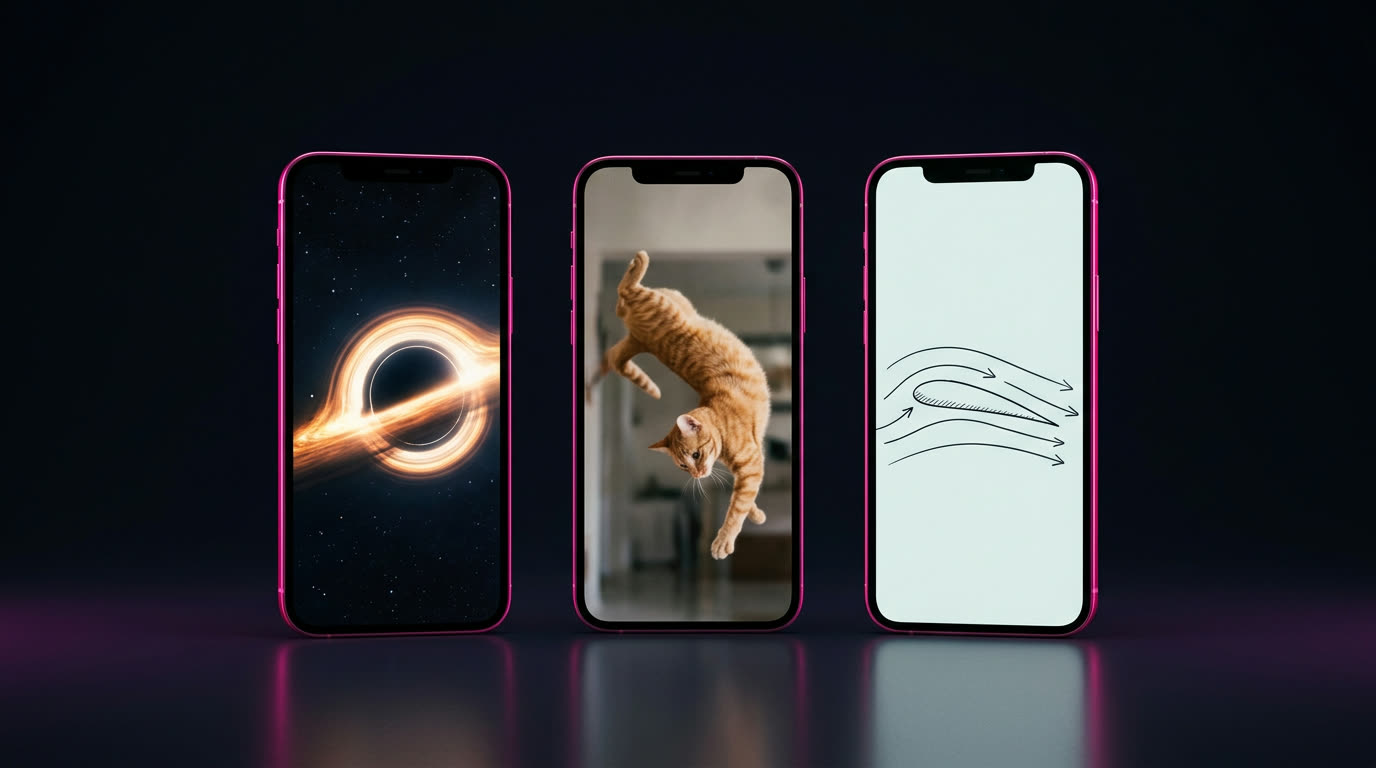
Why explainers work
People are curious all day, and the "why does…" and "how does… work" questions never run out. A short answer with good visuals is the kind of video people watch to the end, save and send to a friend.
They're also faceless. You never have to be on camera, and once you have a style, every new video is just a new question.
What you need
- A browser. A laptop is easiest.
- OpenArt, at openart.ai/try.
- One question you want to answer.
- An account to post on. YouTube Shorts is a natural home for explainers.
Step 1
Pick one question
One video, one question. Pick something visual, where the answer is surprising or satisfying. Questions that start with "What happens if…", "Why does…" or "How does … actually work" are the easiest to make good.
Need a starting point? Steal one:
- What happens if you fall into a black hole?
- Why do cats always land on their feet?
- How does a plane actually stay in the air?
- Why is the ocean salty?
- What would happen if the Moon disappeared?
- How do noise-cancelling headphones work?
Step 2
Open the Explainer quick start
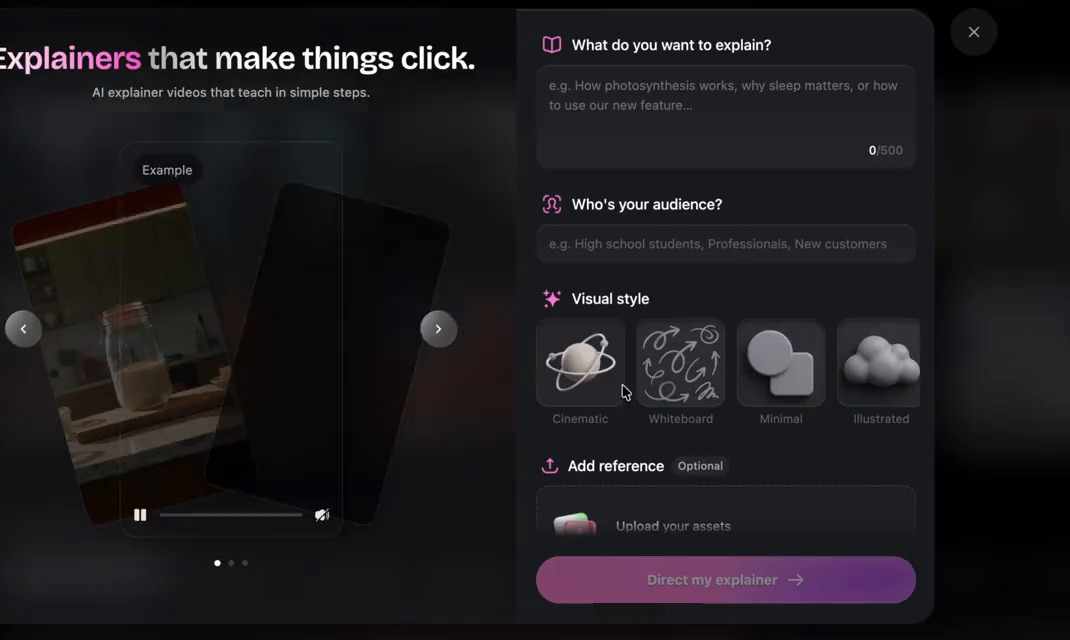
Go to openart.ai/try, scroll down to Quick Starts and tap Explainer. You'll see "Explainers that make things click."
Step 3
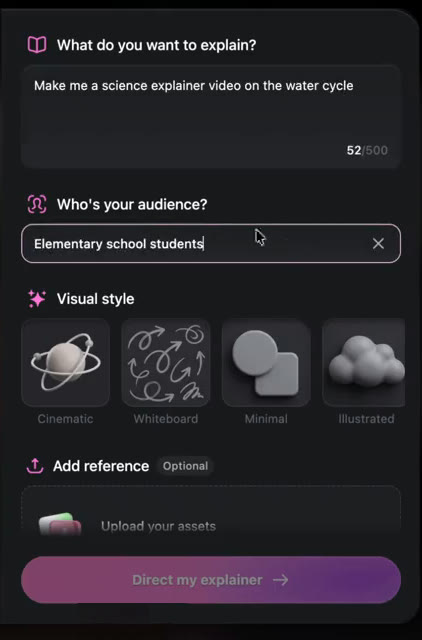
Fill in three boxes
- What do you want to explain? Your question, plus anything you want it to include. Up to 500 characters.
- Who's your audience? Be specific: "curious adults," "middle school students," "new car owners."
- Visual style: Cinematic, Whiteboard, Minimal or Illustrated. Pick one and keep it for the whole series.
- Add reference is optional. Upload an image if you want a specific look.
Same question, four looks
"Why do cats always land on their feet?" in each style, so you can pick the one you'd watch.

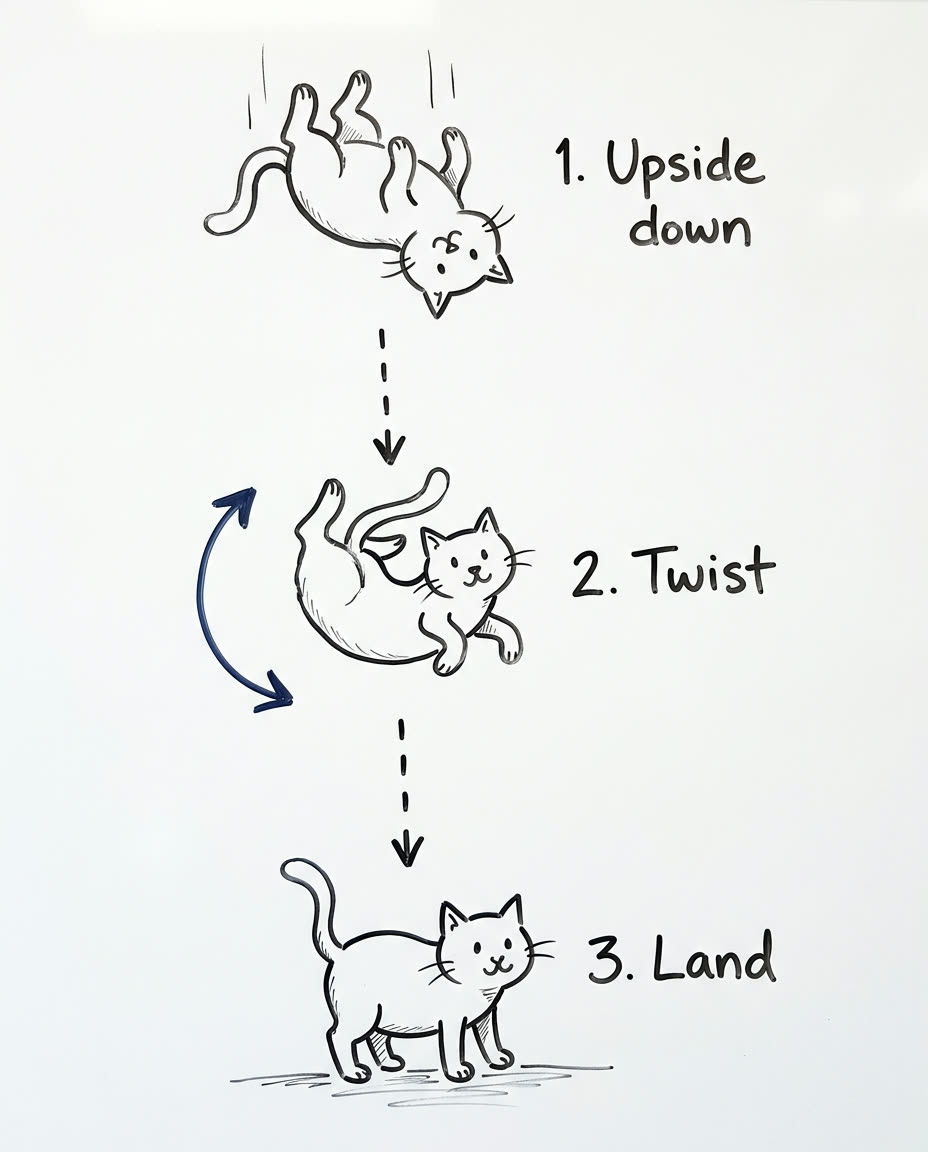
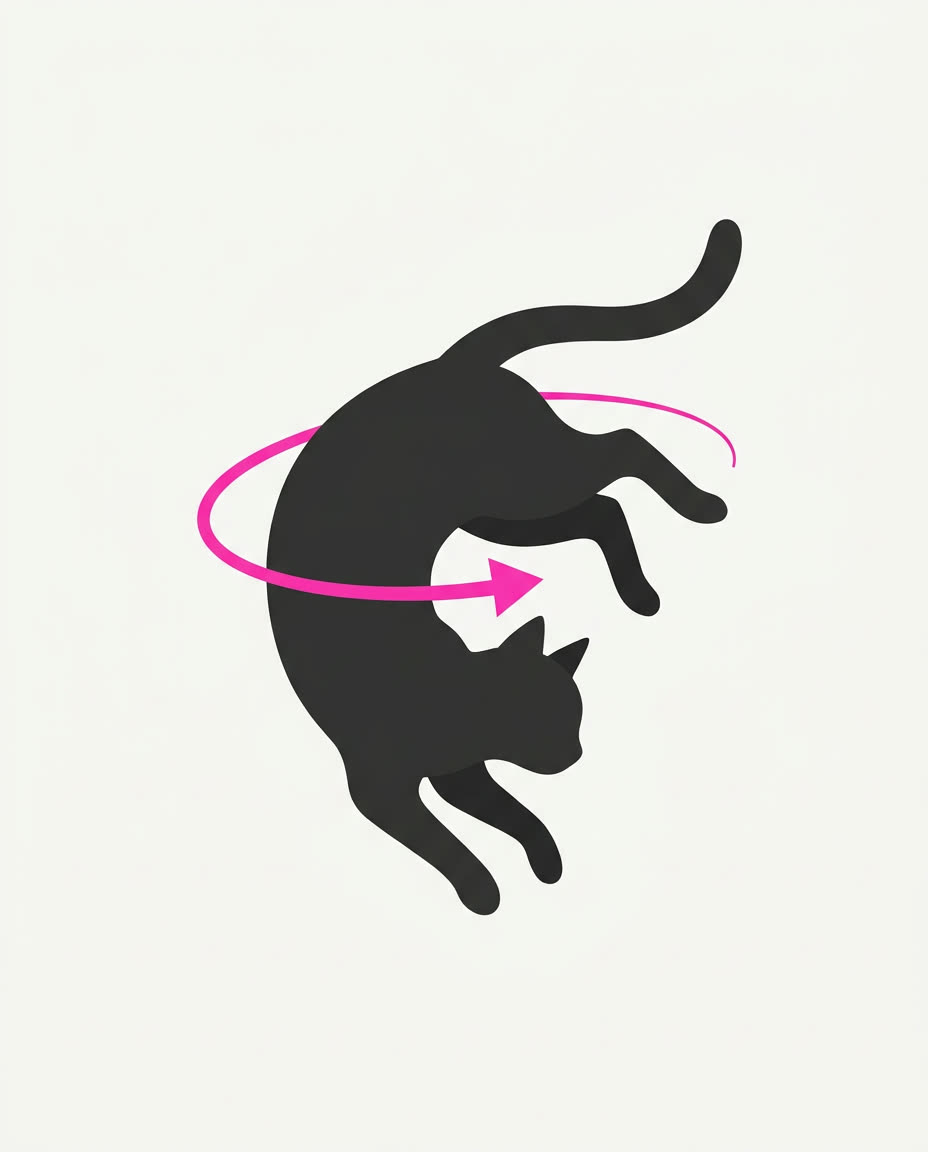

Example stills made with OpenArt to show each look. Your explainer will be a full video.
Copy one of these straight into the boxes:
Write it like you'd say it. "Explain why the ocean is salty. Start with rain and rocks, end with a surprising fact" beats a list of keywords.
Step 4
Hit "Direct my explainer," then check it
OpenArt writes the story first, then builds the video and opens it in the editor, so you can watch it through before you export. Before you post, check:
- The first line asks the question or promises the answer.
- The facts are right. AI can get details wrong, so double-check anything you'd be embarrassed to get wrong.
- It ends on the answer, not a slow fade-out.
Step 5
Post it as a series
- Use the question as your title and your on-screen hook.
- Keep the same visual style every time, so your page looks like a channel.
- Stick to one theme: space, animals, history, how things work.
- Post consistently. One video tells you nothing; thirty tell you which questions people care about.
- When one does well, make a part 2.
Where explainers can take you
The video gets made the same way every time. What changes is who it's for.
Your own explainer channel
Post explainers around one theme on a faceless Shorts channel and build an audience that comes back for the next question.
Explainers for businesses
Every business has something to explain: a product, a feature, how a service works. The Explainer's own example prompt is "how to use our new feature."
Lessons for teachers and courses
Tutors, teachers and course creators need a visual for every lesson, and most don't have time to make them.
What you get out of it depends on your topics, your consistency and your work. Nothing on this page is a promise of views or income.
Common questions
Do I need to be on camera?
Do I need editing skills?
How long should an explainer be?
Which visual style should I pick?
Is the AI always right?

Make your first explainer
Pick a question, fill in three boxes, and hit Direct my explainer.
Make one at openart.ai/try → New accounts get free credits