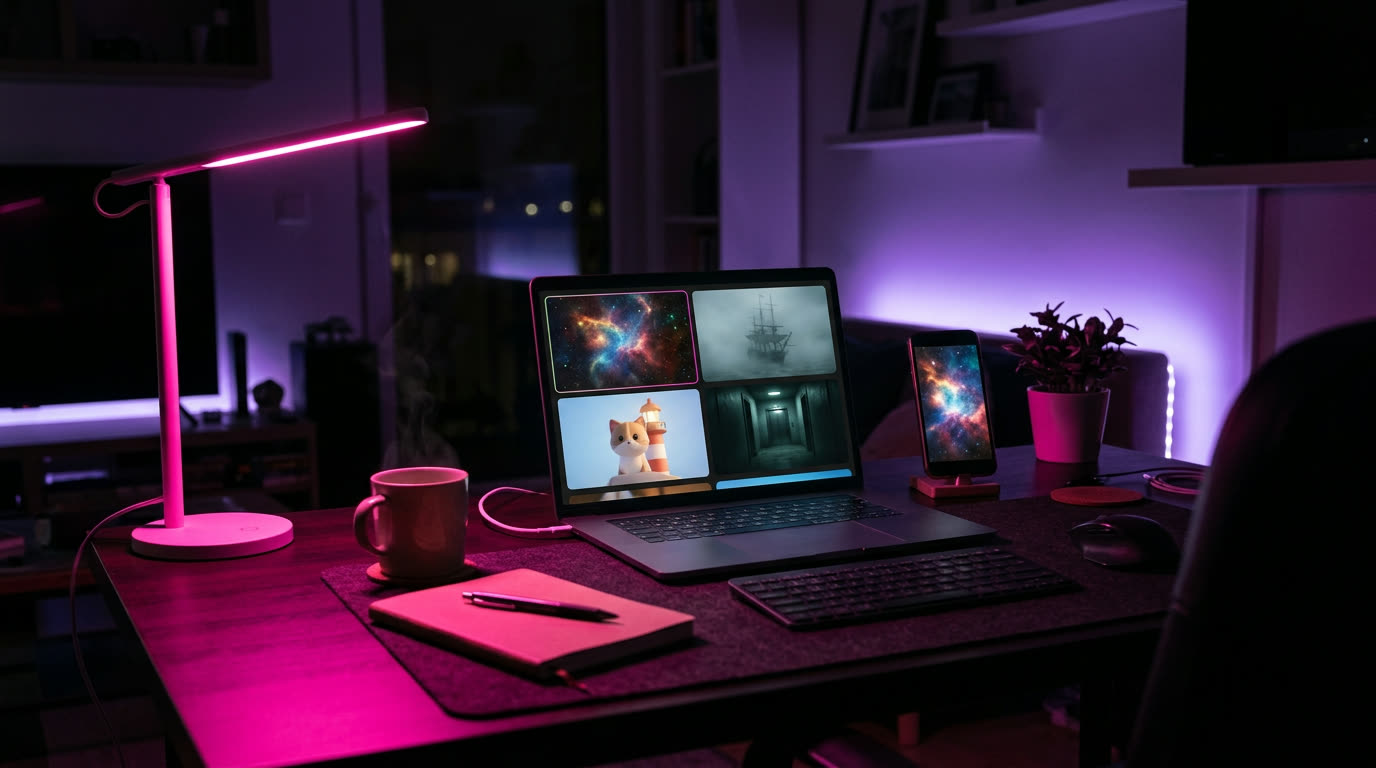
What a faceless channel actually is
Some of the most-watched channels on YouTube never show a host. They're built on a theme people can't get enough of (space, unsolved mysteries, animal facts, short animated stories) and a look you'd recognize from the first frame.
The hard part used to be making the videos: footage, animation, editing. With AI, you describe the video and get it back, which leaves you free for what actually grows a channel: picking good topics and posting consistently.
What you need
- A browser. A laptop is easiest.
- OpenArt, at openart.ai/try.
- A YouTube channel. A brand-new one is fine; name it after your niche, not yourself.
- A list of video ideas. Step 1 helps you make one.
Step 1
Pick a niche you could make 100 videos about
The best faceless niches have endless topics, a clear audience, and look great without a person in them. Run any idea through three questions:
- Can you list 30 video ideas in 10 minutes? If not, it's too narrow.
- Would someone binge five of these in a row? That's what turns viewers into subscribers.
- Does it work without a face? If the video needs a host's personality, pick something else.
Four niches that work faceless


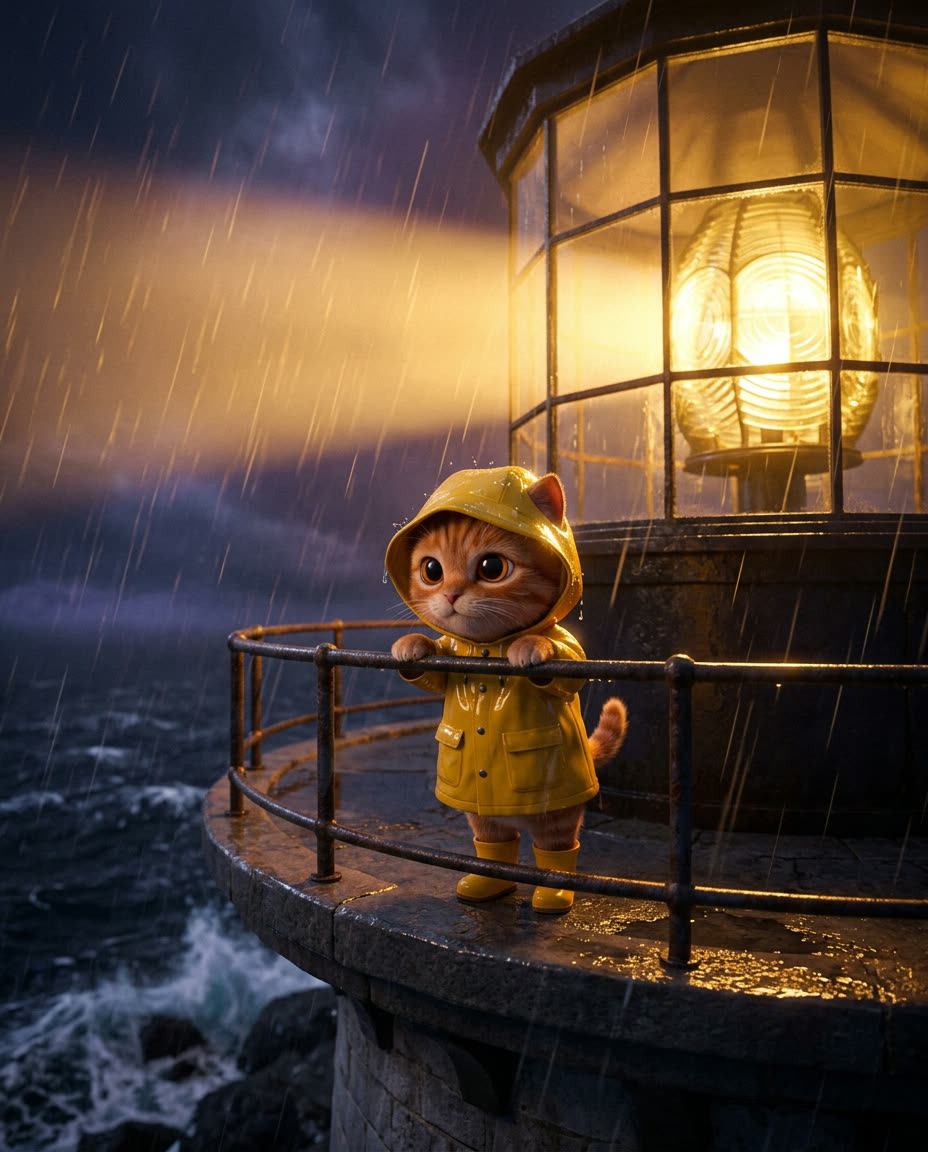
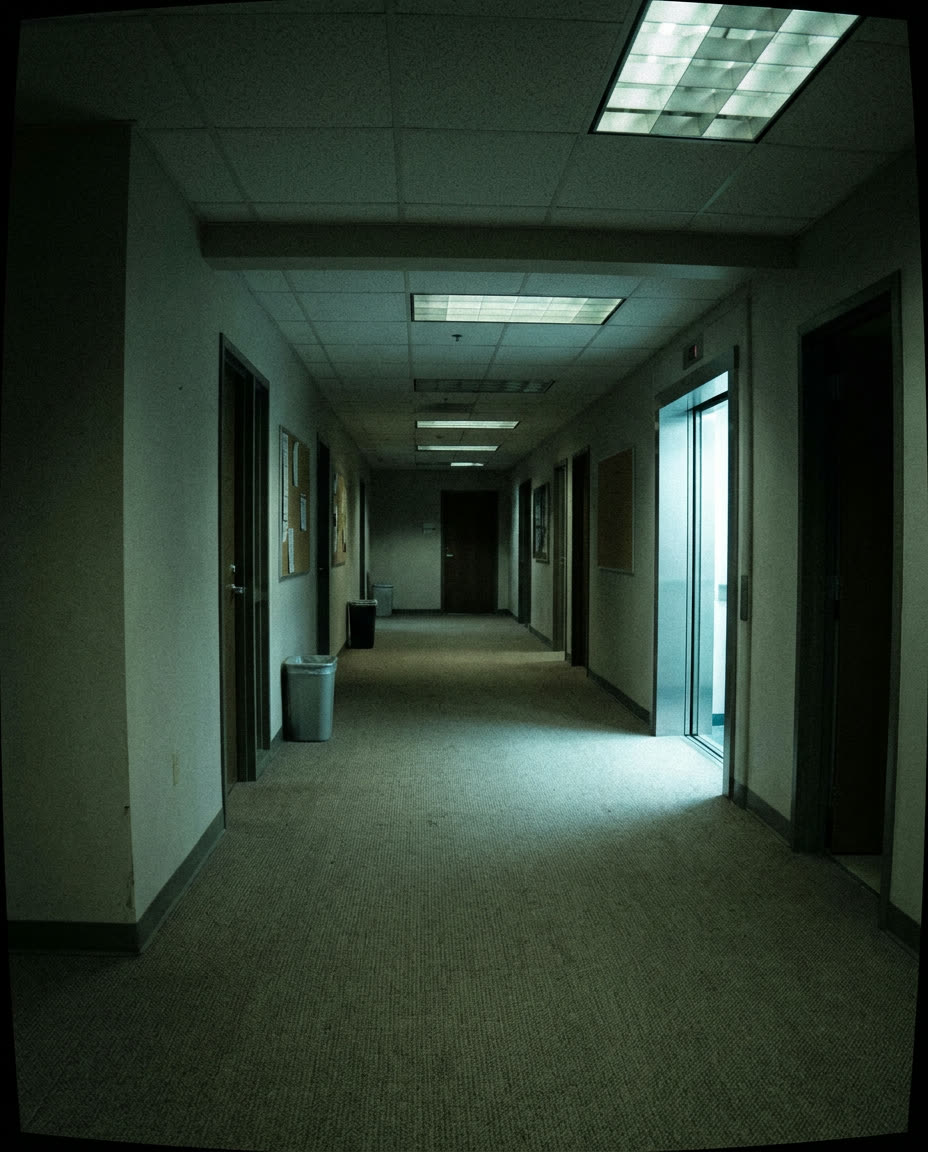
Example stills made with OpenArt. Each niche has a prompt you can copy in Step 3.
Step 2
Pick one format, and keep it
Channels grow when every video feels like part of the same show. Pick one of these and stick with it for your first 30 videos:
Explainers
One question answered per video. Best for space, science, history and how-things-work channels. OpenArt has a ready-made Explainer under Quick Starts.
Short stories
Original animated tales, mysteries or micro-dramas told in under a minute. Best for animated and suspense channels. Describe the story in OpenArt's video chat.
Clips
The best moments cut from long videos, with captions. Best for gaming, podcast and streamer channels.
Keep the look locked. Same visual style, same caption style, same length. Viewers should know it's your channel before they read the name.
Step 3
Make your first video
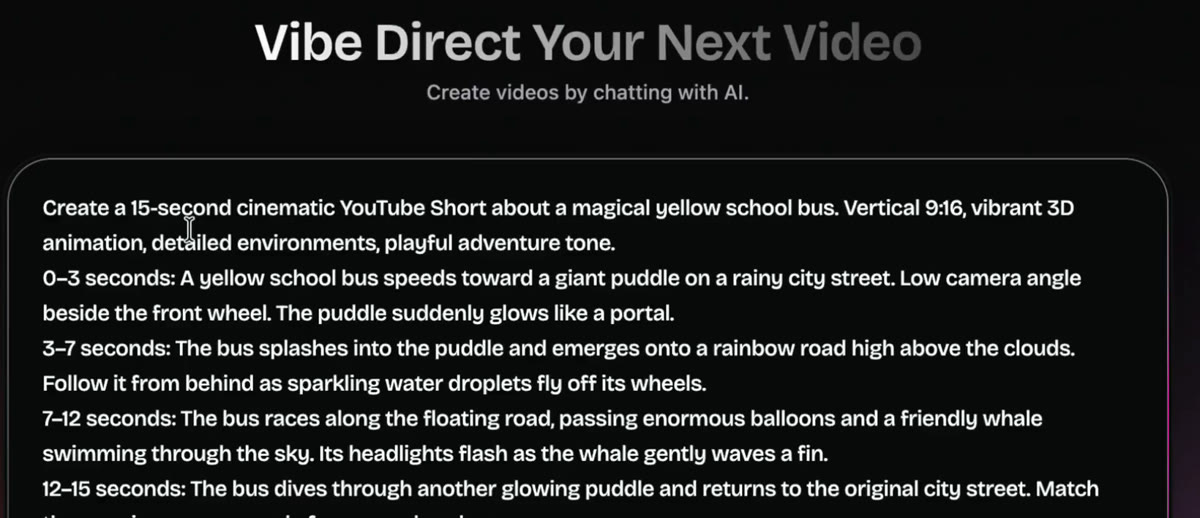
Open openart.ai/try, type what you want into the video chat ("Vibe Direct Your Next Video"), and hit the arrow. Start from one of these:
Want more control? Add timing and camera directions, second by second:
Step 4
Package it before you post
- Title: make it a question or a promise. "What happened to the Mary Celeste?" beats "Mary Celeste video."
- First two seconds: open on the most striking image and the question, not an intro.
- Thumbnail (for longer videos): one subject, high contrast, readable at phone size. You can make it with OpenArt's image tools in the same style as the video.
- AI label: when a video looks realistic and was made with AI, YouTube asks you to mark it as altered or synthetic content when you upload. Turn that on when it applies.
Step 5
Post on a schedule, then read the numbers
- Start with Shorts. They're faster to make and tell you sooner what works.
- Post at the same time every day, or as often as you can keep up.
- In YouTube Studio, look at how many people kept watching instead of swiping away, and how much of each video they watched.
- Make more of the topics people finish. Turn a winner into a series: part 2, part 3.
- Group videos into playlists by series so people binge them.
Where a faceless channel can take you
The videos get made the same way the whole time. What grows is the channel around them.
A channel with a theme
Thirty videos in one niche and one look. This is where you learn which topics people actually finish.
Series people binge
Your best topics become recurring series with their own playlists, and viewers start coming back for the next part.
More channels, or videos for others
Once you have a system, run it in a second niche, or make faceless videos for brands and creators who don't have time to.
YouTube's Partner Program has its own eligibility rules, and its "reused content" policy favors channels that make original videos over reposts. Nothing on this page is a promise of views or income.
Common questions
Do I ever have to show my face?
Can I post AI videos on YouTube?
Shorts or long videos?
How often should I post?
What if my niche is already crowded?

Make your first faceless video
Pick a niche, copy a prompt, and post your first Short today.
Start at openart.ai/try → New accounts get free credits